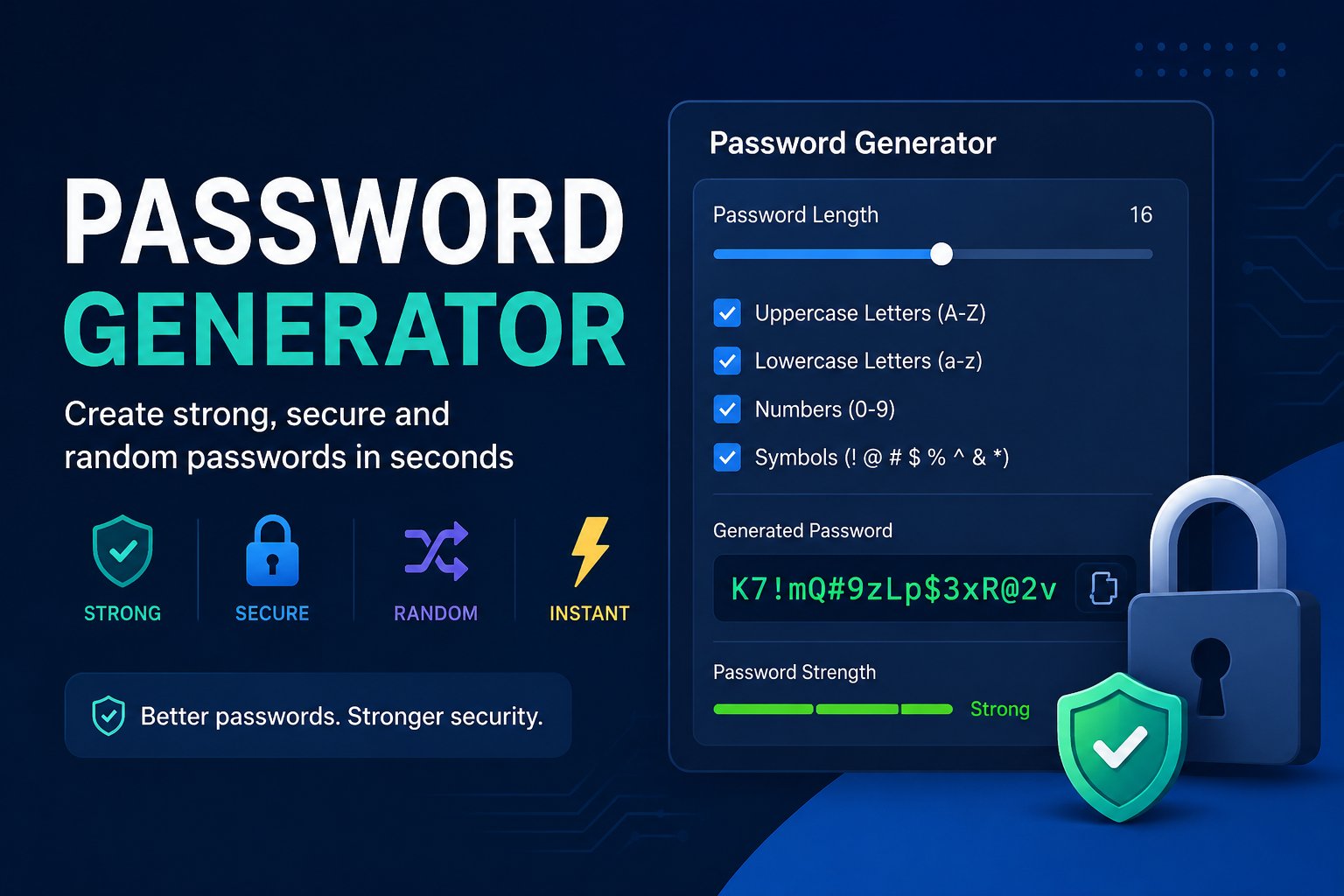
Password Generator: Create Strong, Secure & Random Passwords
A strong password is one of the simplest ways to protect your online accounts. Whether you are creating a new email account, social media profile, banking account, shopping account, or any other online service, using a unique and difficult-to-guess password can make your account much safer.
Our free Password Generator helps you create strong, random passwords in seconds. You can choose the password length and include a combination of uppercase letters, lowercase letters, numbers, and special characters to create a password that is harder to guess.
What Is a Password Generator?
A password generator is a tool that creates random passwords automatically instead of requiring you to think of one yourself.
A good password generator can create passwords using different types of characters, including:
- Uppercase letters
- Lowercase letters
- Numbers
- Special characters
Using a combination of these characters makes passwords more difficult to guess than simple passwords based on names, dates, common words, or familiar phrases.
Why Should You Use a Strong Password?
Many people still use passwords that are easy to remember but also easy for someone else to guess. Passwords containing names, birthdays, phone numbers, or common words can be especially predictable.
A stronger password should generally be:
- Long enough to provide better protection
- Unique to the account
- Difficult to guess
- Different from your other passwords
- Made with a mixture of different character types
For important accounts, using a unique password is particularly important. If the same password is used across several websites and one account is compromised, other accounts using that password may also become vulnerable.
How Does a Random Password Generator Work?
A random password generator creates a password based on the options selected by the user.
For example, you may choose a password length such as 12, 16, or 18 characters and allow the generator to use uppercase letters, lowercase letters, numbers, and symbols.
The tool then produces a password that follows those requirements.
The advantage is that you do not have to manually create a complicated combination yourself. Instead, you can generate a new password whenever you need one.
How to Create a Strong Password
Creating a strong password does not have to be difficult. With a password generator, you can follow a few simple steps.
First, choose the length of your password. Longer passwords generally provide more combinations and can be harder to guess.
Next, enable the character types you want to use, such as uppercase letters, lowercase letters, numbers, and special characters.
Then generate your password and use it for the account you are creating or updating.
For important accounts, avoid using the same generated password on multiple websites. A separate password for each important account provides better protection.
How Long Should a Password Be?
There is no single password length that is perfect for every situation, but longer passwords are generally preferable.
Common password-generator searches include 16-character password generator, 18-character password generator, and strong password generator free because users often want a quick way to create longer passwords.
If a website allows longer passwords, choosing a longer password can provide additional security. Always follow the password requirements of the website or service where you are creating the account.
Password Generator With Requirements
Different websites have different password requirements. Some may require a minimum number of characters, while others may require uppercase letters, numbers, or special characters.
A useful password generator should therefore allow you to control the characteristics of the password you generate.
For example, you may need a password containing:
- At least one uppercase letter
- Several lowercase letters
- Numbers
- Special characters
- A specific minimum length
Checking the requirements before generating a password can save time and help you create a password that is accepted by the website.
Strong Password vs. Easy Password
Consider the difference between a simple password and a randomly generated one.
A password such as password123 follows a common and predictable pattern. A password generated from a combination of different characters is much less predictable.
The goal is not simply to make a password complicated. The goal is to make it long, unique, and difficult to predict.
A random password can also avoid personal information that someone might know about you, such as your name, birthday, favorite team, or family member's name.
Is a 16-Character Password Strong?
A 16-character password can provide a strong level of protection when it is properly generated and unique to the account.
A longer password gives an attacker more possible combinations to deal with. However, length should not be considered separately from how the password is created.
For example, a long password based on an obvious phrase may not be as useful as a randomly generated password with a suitable combination of characters.
Can You Use a Password Generator for Every Account?
Yes, you can generate a separate password for each account.
In fact, using unique passwords is an important security practice. Your email account, social media accounts, shopping accounts, financial services, and other important accounts should not all depend on one password.
If remembering many random passwords is difficult, consider using a reputable password manager to store them securely rather than writing them in an unsecured location.
Password Generator With Name: Is It a Good Idea?
Some people search for a password generator with a name because they want a password that is easier to remember.
However, adding your real name or other personal information to a password can make it more predictable. A better approach is to generate a random password that does not contain obvious personal information.
For important accounts, avoid passwords based on information that can easily be found through social media or other public sources.
Should You Use the Same Password Everywhere?
It is better not to use the same password for every website.
Using one password everywhere creates a single point of failure. If that password is exposed through one website, an attacker may try it on other services.
Using unique passwords helps separate your accounts from one another. A password generator can make this easier because you can quickly create a different random password whenever you register for a new service.
Use Our Free Password Generator
If you need a strong and random password, you can use our Password Generator to create one quickly.
The tool is designed to make password creation simple. Instead of spending time thinking of a complicated combination of characters, you can generate a password based on your preferred requirements.
Use the Password Generator here:
Generate a password, check that it meets the requirements of the website you are using, and keep it stored securely.
Final Thoughts
A strong password is an important part of protecting your online accounts. Creating passwords manually can often result in predictable words, patterns, or personal information. A random password generator provides a quick way to create unique passwords using a combination of letters, numbers, and special characters.
For better account security, use longer and unique passwords whenever possible, avoid reusing the same password across different services, and consider using a trusted password manager for storing them.
If you need a free strong password generator, try our tool and create a secure random password in just a few seconds.